
Best Graphic Design Software for Beginners
Starting your graphic design journey can feel overwhelming with so many software options available. Whether you’re looking to create social media graphics, design a logo, or edit photos, choosing the right tool is crucial for your creative success. This guide breaks down the best graphic design software for beginners, focusing on user-friendly interfaces, affordable options, and essential features to help you start creating professional-looking designs without the steep learning curve.
Read Also: Web Design Best Practices 2025
Why Choosing the Right Graphic Design Software Matters

The right graphic design software can make the difference between frustration and creative flow, especially when you’re just starting out. Beginners need tools that balance functionality with ease of use, providing enough features to create professional designs without overwhelming complexity.
Software that’s too complex might discourage you before you even begin, while overly simplified tools might limit your growth as you develop your skills. Finding that sweet spot is essential for building confidence and developing your design abilities.
Additionally, cost is a significant factor for many beginners. While professional-grade software offers comprehensive features, many free or affordable alternatives provide excellent functionality for those just starting their design journey.
How We Evaluated Beginner-Friendly Design Software
To help you find the perfect match for your needs, we’ve evaluated each software option based on these key factors:
- Ease of Use: Intuitive interface and gentle learning curve suitable for beginners
- Affordability: Cost-effective options including free versions and reasonable subscription plans
- Essential Features: Core tools needed for common design tasks without overwhelming complexity
- Templates & Resources: Pre-designed templates and elements to jumpstart your projects
- Learning Support: Tutorials, guides, and community resources to help you master the software
- Growth Potential: Room to expand your skills without quickly outgrowing the software
Types of Graphic Design Software
Before diving into specific recommendations, it’s helpful to understand the main categories of graphic design software:
Raster Editors
Work with pixel-based images ideal for photo editing and digital painting. Best for detailed images with complex color gradients and photographs.
Vector Editors
Create scalable graphics using mathematical equations. Perfect for logos, illustrations, and designs that need to be resized without losing quality.
All-in-One Design Tools
Combine multiple design capabilities with template-based approaches. Great for social media graphics, presentations, and marketing materials.
Understanding which type of software best suits your projects will help narrow down your options and focus your learning efforts.
Read Also: What is SEO and How Does It Work?
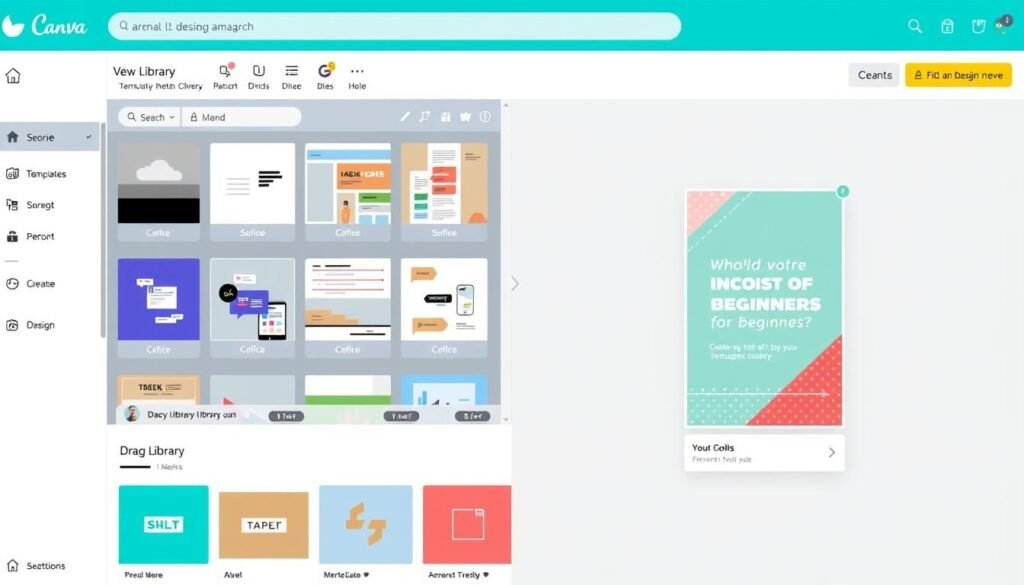
1. Canva: The Ultimate Beginner-Friendly Design Tool
4.8
Excellent for beginners
Ease of Use: 4.9
Templates & Resources: 4.8
Value for Money: 4.5
Growth Potential: 4.0
Canva has revolutionized graphic design for non-designers with its intuitive drag-and-drop interface and extensive template library. This browser-based tool makes creating professional-looking designs incredibly accessible, even if you have zero design experience.
Key Features
- Drag-and-drop editor that requires no technical skills
- 250,000+ free templates for social media posts, presentations, flyers, and more
- Extensive library of free photos, illustrations, icons, and fonts
- Brand Kit feature to maintain consistent branding (Pro version)
- Background remover and Magic Resize tools (Pro version)
- Collaboration features for team projects
Best For
Canva excels at creating social media graphics, presentations, posters, infographics, and marketing materials. It’s perfect for small business owners, social media managers, students, and anyone who needs to create visual content without design expertise.
Pros
- Extremely user-friendly with virtually no learning curve
- Generous free version with plenty of templates and elements
- Works on any device with a web browser
- Regular updates with new features and templates
Cons
- Limited advanced design capabilities compared to professional software
- Some premium features and templates require a subscription
- Less suitable for complex illustrations or detailed photo editing
Pricing
Canva offers a generous free plan that’s sufficient for many beginners. The Pro plan ($12.99/month or $119.99/year) unlocks premium templates, the background remover tool, and 100GB of cloud storage.
Ready to create stunning designs with zero experience?
Canva’s intuitive platform makes design accessible to everyone. Start with the free version to explore its capabilities.
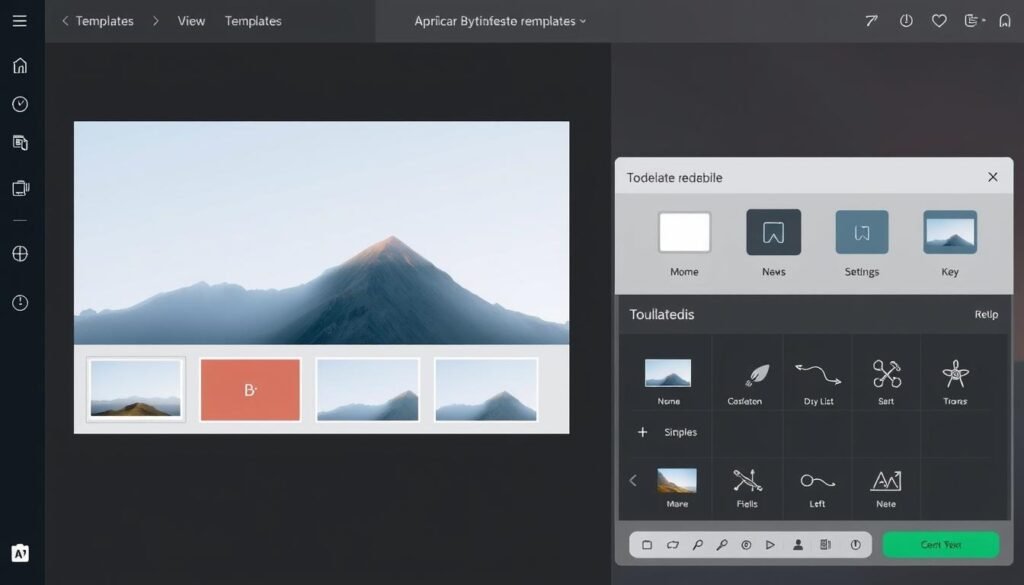
2. Adobe Express: Professional Quality Made Simple
4.6
Great for beginners
Ease of Use: 4.5
Templates & Resources: 4.7
Value for Money: 4.3
Growth Potential: 4.5
Adobe Express (formerly Adobe Spark) brings Adobe’s professional design capabilities to beginners in an accessible format. It offers a simplified experience compared to Adobe’s professional tools like Photoshop or Illustrator, while still delivering high-quality results.
Key Features
- Quick-edit templates for social media, web pages, and print materials
- Access to Adobe Fonts and Adobe Stock photos
- One-click background removal and other AI-powered tools
- Animation capabilities for creating simple motion graphics
- Integration with other Adobe Creative Cloud apps
- Content scheduling for social media posts
Best For
Adobe Express is ideal for social media content creators, small business owners, and marketing professionals who need professional-looking designs without the steep learning curve of Adobe’s professional tools. It’s also a great entry point for those who might eventually transition to Adobe’s more advanced software.
Pros
- Professional-quality templates and design assets
- Generous free plan with essential features
- Seamless integration with Adobe Creative Cloud
- Regular updates with new features and templates
Cons
- Some advanced features require a premium subscription
- Less extensive template library compared to Canva
- Limited advanced customization options
Pricing
Adobe Express offers a free plan with limited features. The premium plan costs $9.99/month and includes advanced features like premium templates, background removal, and more storage.
Create professional designs with Adobe quality
Experience Adobe’s design power in a simplified package. Perfect for creating stunning visuals with minimal effort.
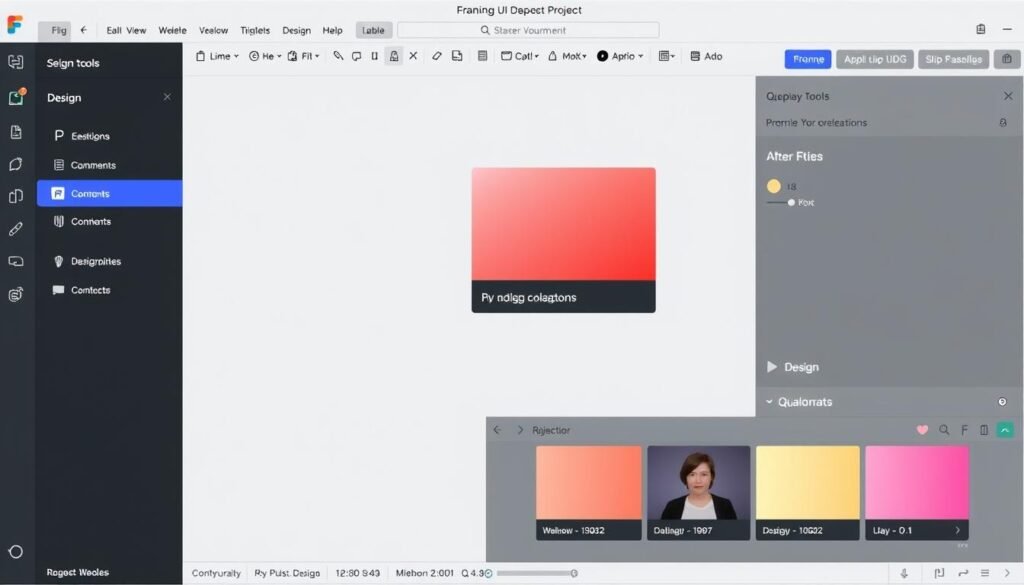
3. Figma: Collaborative Design for Beginners and Pros
4.5
Great for UI/UX design
Ease of Use: 4.0
Collaboration Features: 4.9
Value for Money: 4.5
Growth Potential: 4.8
Figma has transformed the design industry with its collaborative approach to design. While it has a slightly steeper learning curve than Canva or Adobe Express, it offers tremendous value for beginners interested in UI/UX design, with room to grow into professional-level work.
Key Features
- Real-time collaboration with multiple designers
- Powerful vector editing tools
- Prototyping capabilities to create interactive designs
- Component libraries for consistent design systems
- Extensive plugin ecosystem to extend functionality
- FigJam for collaborative brainstorming and planning
Best For
Figma is perfect for aspiring UI/UX designers, web designers, and product designers. It’s also excellent for team projects where multiple people need to collaborate on designs. The software shines for website mockups, app interfaces, and interactive prototypes.
Pros
- Browser-based with nothing to install
- Generous free plan for individuals and small teams
- Industry-standard for UI/UX design
- Excellent documentation and learning resources
Cons
- Steeper learning curve than template-based tools
- Less suitable for print design
- Limited offline capabilities
Pricing
Figma offers a generous free plan that allows unlimited files and three active projects. The Professional plan starts at $12 per editor per month (billed annually) for unlimited projects and more features.
Design and collaborate in real-time
Start your UI/UX design journey with the industry’s leading collaborative design tool. Perfect for learning marketable design skills.
4. GIMP: Free Photoshop Alternative for Beginners
4.2
Good for photo editing
Ease of Use: 3.5
Features: 4.4
Value for Money: 5.0
Growth Potential: 4.5
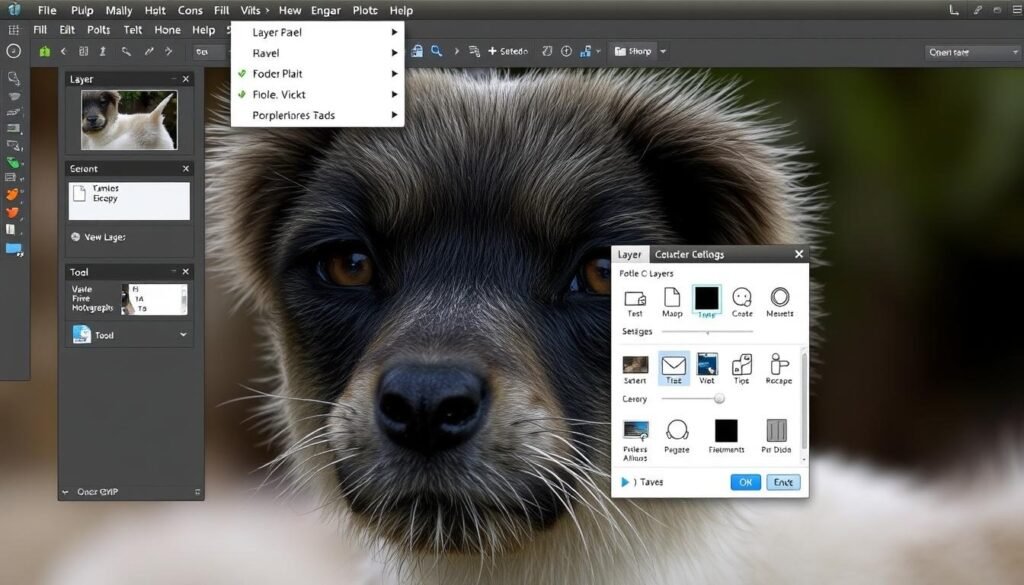
GIMP (GNU Image Manipulation Program) is a powerful, completely free and open-source alternative to Adobe Photoshop. While it has a steeper learning curve than template-based tools, it offers comprehensive photo editing and raster graphics capabilities without any cost.
Key Features
- Comprehensive photo editing tools
- Layer-based editing for complex compositions
- Extensive filter collection for special effects
- Support for various file formats including PSD
- Customizable interface
- Plugin support to extend functionality
Best For
GIMP is ideal for beginners who want to learn serious photo editing without investing in expensive software. It’s perfect for photo retouching, digital painting, creating image compositions, and basic graphic design tasks.
Pros
- Completely free with no limitations
- Available for Windows, Mac, and Linux
- Regular updates and active community
- Powerful features comparable to paid alternatives
Cons
- Steeper learning curve than template-based tools
- Interface can feel dated compared to modern software
- Less intuitive for complete beginners
Pricing
GIMP is completely free and open-source software. There are no premium versions or subscription fees.
Professional photo editing at zero cost
Dive into serious photo editing with this powerful, free alternative to Photoshop. Perfect for learning professional editing techniques.
5. Inkscape: Free Vector Graphics for Beginners
4.3
Ease of Use: 3.6
Good for vector graphics
Features: 4.5
Value for Money: 5.0
Growth Potential: 4.4
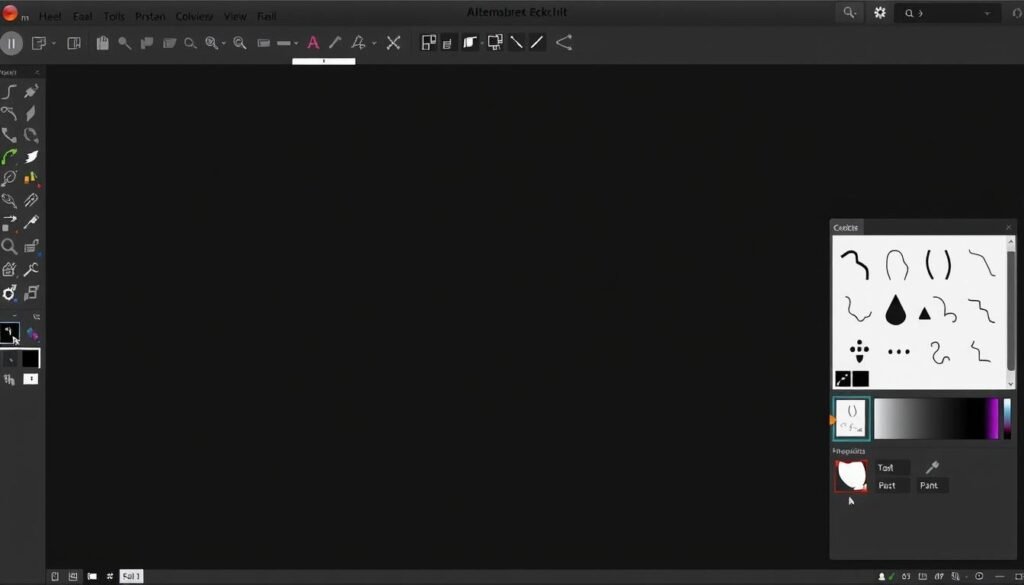
Inkscape is a free, open-source vector graphics editor that serves as an excellent alternative to Adobe Illustrator. It’s perfect for creating logos, illustrations, icons, and other scalable graphics without any cost.
Key Features
- Comprehensive vector editing tools
- Support for SVG file format
- Node editing for precise shape control
- Path effects and extensions
- Text tools with full SVG font support
- Object creation and manipulation tools
Best For
Inkscape is ideal for beginners interested in creating logos, icons, illustrations, diagrams, and other vector graphics. It’s perfect for design students, hobbyists, and anyone looking to learn vector design without investing in expensive software.
Pros
- Completely free with professional-grade features
- Available for Windows, Mac, and Linux
- Active community with plenty of tutorials
- Native SVG support for web graphics
Cons
- Steeper learning curve than template-based tools
- Interface may feel less polished than commercial alternatives
- Performance can be slower with complex designs
Pricing
Inkscape is completely free and open-source software. There are no premium versions or subscription fees.
Create professional vector graphics for free
Start creating scalable logos, illustrations, and icons with this powerful, free alternative to Illustrator.
6. Affinity Designer: Professional Vector Design at a One-Time Cost
4.7
Excellent for vector design
Ease of Use: 4.2
Features: 4.7
Value for Money: 4.8
Growth Potential: 4.8
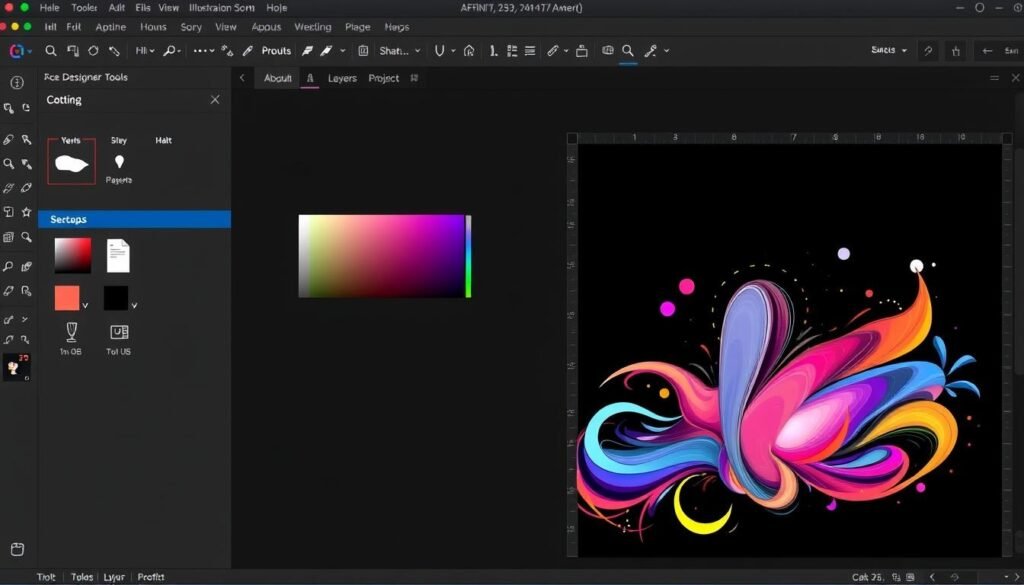
Affinity Designer offers professional-grade vector design capabilities at a fraction of the cost of Adobe Illustrator. With a one-time purchase model instead of a subscription, it provides excellent value for beginners who are ready to invest in their design journey.
Key Features
- Professional vector design tools
- Seamless switching between vector and pixel workspaces
- Advanced typography controls
- Powerful pen and node tools
- Unlimited artboards
- Compatibility with industry-standard file formats
Best For
Affinity Designer is perfect for beginners who are serious about learning professional vector design. It’s ideal for creating logos, illustrations, icons, UI designs, and print materials. The software is suitable for freelancers, students, and hobbyists who want professional tools without a subscription.
Pros
- One-time purchase with free updates
- Professional-grade features at an affordable price
- Excellent performance even with complex designs
- Compatible with Adobe file formats
Cons
- Steeper learning curve than template-based tools
- Smaller community compared to Adobe products
- Limited template resources for beginners
Pricing
Affinity Designer is available for a one-time purchase of $69.99 for desktop (Windows/Mac) and $21.99 for iPad. No subscription required.
Professional vector design without subscription fees
Invest in your design future with professional-grade vector tools at a one-time cost. Free trial available to test before you buy.
7. Pixlr: Free Online Photo Editor for Quick Edits
4.4
Great for quick edits
Ease of Use: 4.4
Features: 4.2
Value for Money: 4.7
Growth Potential4.0
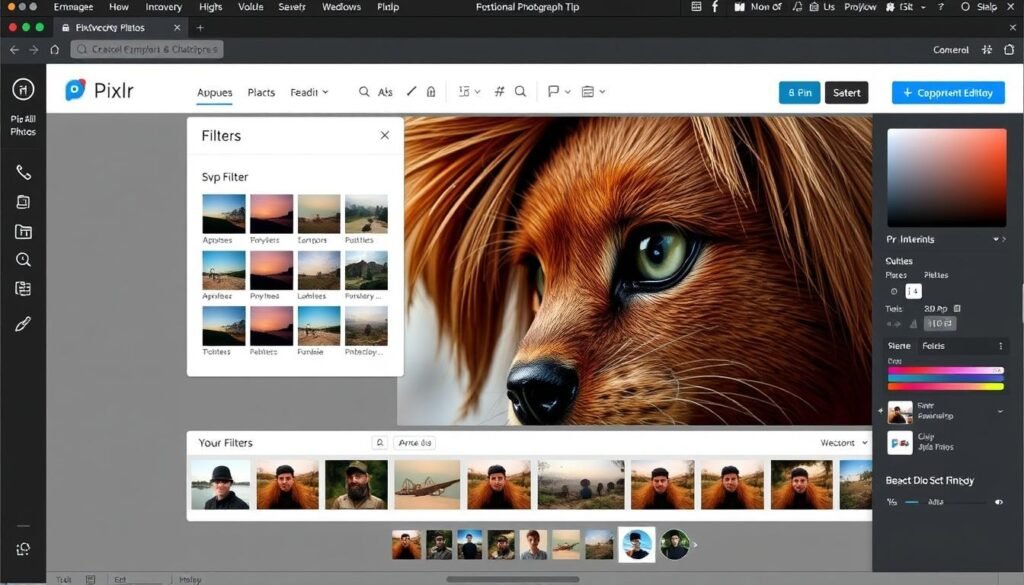
Pixlr is a browser-based photo editor that offers impressive capabilities without requiring any downloads. It provides both a simplified editor (Pixlr X) for beginners and a more advanced editor (Pixlr E) for those ready to tackle more complex edits.
Key Features
- Basic and advanced editing modes
- Layer support for complex compositions
- One-click AI-powered tools
- Filters and effects library
- Text and drawing tools
- Template library for quick designs
Best For
Pixlr is perfect for beginners who need to make quick photo edits or simple designs without installing software. It’s ideal for social media images, basic photo retouching, and creating simple graphics when you don’t have access to desktop software.
Pros
- Works in any browser with no installation
- Free version with substantial features
- Intuitive interface similar to Photoshop
- Mobile apps available for on-the-go editing
Cons
- Free version shows ads
- Limited to online use unless you pay for desktop version
- Less powerful than dedicated desktop software
Pricing
Pixlr offers a free version with ads and basic features. Premium plans start at $7.99/month for advanced features, no ads, and more resources.
Edit photos anywhere, anytime
Start creating and editing images right in your browser with this powerful, free online editor. No download required.
Comparison: Finding the Right Graphic Design Software for Your Needs
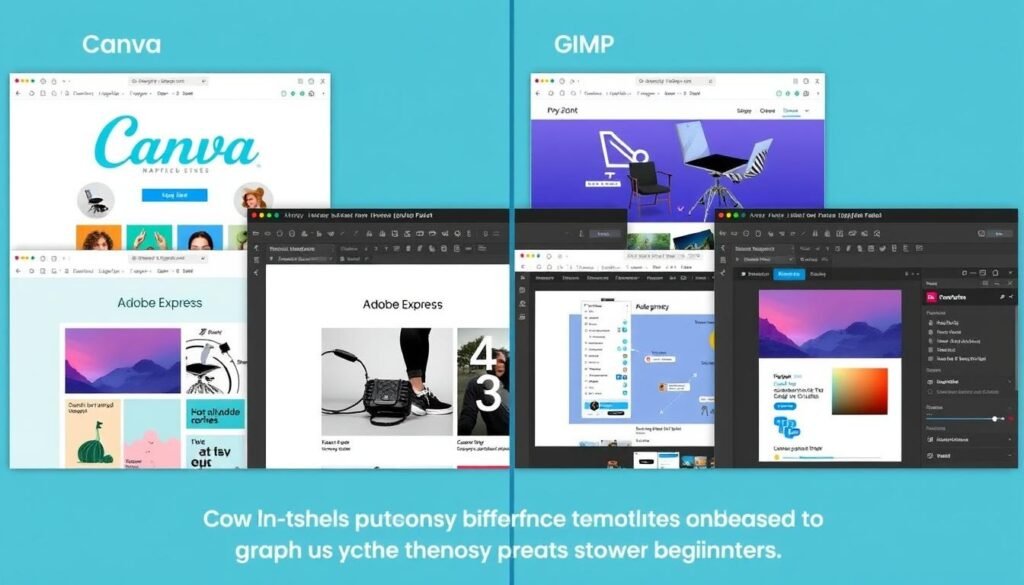
Choosing the right graphic design software depends on your specific needs, goals, and learning style. Here’s a quick comparison to help you decide:
| Software | Best For | Learning Curve | Cost | Platform |
| Canva | Social media, presentations, marketing materials | Very Easy | Free / $12.99 per month | Web, iOS, Android |
| Adobe Express | Social media, web graphics, simple animations | Easy | Free / $9.99 per month | Web, iOS, Android |
| Figma | UI/UX design, web design, prototyping | Moderate | Free / $12 per editor per month | Web, Windows, Mac |
| GIMP | Photo editing, digital painting, raster graphics | Moderate-Difficult | Free | Windows, Mac, Linux |
| Inkscape | Logos, icons, illustrations, vector graphics | Moderate-Difficult | Free | Windows, Mac, Linux |
| Affinity Designer | Professional vector design, illustrations, print | Moderate | $69.99 one-time | Windows, Mac, iPad |
| Pixlr | Quick photo edits, simple designs | Easy | Free / $7.99 per month | Web, iOS, Android |
How to Choose the Right Graphic Design Software for Your Needs

With so many options available, choosing the right graphic design software can feel overwhelming. Here are some key factors to consider when making your decision:
Consider Your Design Goals
Social Media & Marketing
If you primarily need to create social media graphics, presentations, or marketing materials, template-based tools like Canva or Adobe Express are your best bet.
Logo & Brand Design
For creating logos, icons, and other vector graphics, consider Inkscape (free) or Affinity Designer (paid) to get started with professional vector tools.
Photo Editing
If your focus is on editing and enhancing photos, GIMP (free) or Pixlr (free/paid) offer powerful tools for beginners without a significant investment.
Assess Your Technical Comfort
Be honest about your technical skills and willingness to learn. Template-based tools like Canva offer instant gratification, while professional software like GIMP or Inkscape require more time to master but offer greater creative control.
Consider Your Budget
Your budget will significantly impact your options. Fortunately, there are excellent free alternatives in every category:
- No budget: Canva (free), GIMP, Inkscape, Pixlr (free)
- Small budget: Canva Pro, Adobe Express, Pixlr Premium
- One-time investment: Affinity Designer/Photo
Think About Long-Term Growth
Consider whether you want to develop professional design skills or simply need to create occasional graphics. If you’re serious about learning design, investing time in software with room to grow (like Figma or Affinity Designer) may be worthwhile.
Pro Tip: Most of these programs offer free trials or free versions. Try several options before com
mitting to see which interface and workflow feels most intuitive to you.
Read Also: Social Media Management Tips for 2025
Getting Started: Tips for Beginners

Once you’ve chosen your graphic design software, here are some tips to help you get started on your design journey:
Start with Tutorials
Every software on our list has official tutorials, YouTube videos, and community resources. Spend time learning the basic functions before diving into complex projects.
Use Templates as Learning Tools
With template-based software like Canva or Adobe Express, study how templates are constructed. Modify existing templates to understand design principles and tool functionality.
Join Design Communities
Connect with other beginners and experienced designers through forums, social media groups, or platforms like Behance and Dribbble. These communities can provide feedback, inspiration, and support.
Practice Regularly
Consistency is key to developing design skills. Set aside regular time to practice, even if it’s just 15-30 minutes a day.
Start with Personal Projects
Begin with low-pressure projects like designing social media posts for your personal accounts, creating cards for friends, or redesigning your resume.
“Design is not just what it looks like and feels like. Design is how it works.” – Steve Jobs
Learning Resources: Most software providers offer free learning resources. Check out Canva Design School, Adobe’s tutorials, Figma’s learning center, and the extensive GIMP and Inkscape documentation to accelerate your learning.
Conclusion: Start Your Design Journey Today

Finding the best graphic design software for beginners is about balancing ease of use, affordability, and room for growth. Whether you choose the template-driven simplicity of Canva, the professional capabilities of Affinity Designer, or the free power of GIMP or Inkscape, the most important step is to start creating.
Remember that every professional designer was once a beginner. The tools you choose are less important than your willingness to learn, practice, and develop your creative eye. Start with software that matches your current needs and skill level, then expand your toolkit as your skills and requirements grow.
The world of graphic design is more accessible than ever before, with powerful tools available at every price point. Your design journey starts with a single project—so choose your software, follow some tutorials, and begin creating today!
Social Media Management Tips for 2025
Social media is no longer just a megaphone: it’s a growth engine, a customer support channel, and a community hub. But managing it effectively in 2025 takes more than posting regularly. With AI-powered tools, evolving algorithms, and increasingly savvy audiences, smart systems and data-driven strategies are now essential.
In this guide, we’ll walk you through actionable social media management tips not just to survive, but to thrive. Whether you’re a small business, a growing startup, or a marketing team, these tips will help you scale without sacrificing authenticity or ROI.
Why These Social Media Management Tips Matter in 2025
- Algorithms are smarter — they reward quality, consistency, and engagement, not just frequency.
- Audience expectations are rising — people want to connect, not just consume.
- Tools are more powerful — scheduling, listening, AI content assistants — but only if used strategically.
- ROI matters more than ever — social media teams need to prove their impact with real metrics.
- Read Also: Web Design Best Practices 2025
10 Scalable & Data-Driven Social Media Management Tips

- Set SMART Goals and Align Them with Business Objectives
- Define clear objectives: awareness, lead generation, support, or conversion.
- Use KPIs: reach, engagement rate, conversion cost, customer LTV.
- Establish benchmarks and review them quarterly.
- Define clear objectives: awareness, lead generation, support, or conversion.
- Build a Flexible yet Strategic Content Calendar
- Create “content pillars” (e.g., educational, behind-the-scenes, UGC) tailored to your audience.
- Use a calendar tool (Notion, Asana, Trello) with workflow stages (idea → draft → design → approve → schedule).
- Leave buffer slots for reactive or timely content (industry trends, engagement follow-ups).
- Create “content pillars” (e.g., educational, behind-the-scenes, UGC) tailored to your audience.
- Tailor Content to Each Platform’s Strengths
- Don’t repost the same post verbatim across platforms. Customize for each:
- TikTok / Reels: short, dynamic video
- Instagram: mix carousels + visuals
- LinkedIn: thought leadership
- Facebook / Community Platforms: conversation + group-based interactions
- TikTok / Reels: short, dynamic video
- Use AI to brainstorm variants, but always add your brand voice.
- Don’t repost the same post verbatim across platforms. Customize for each:
- Leverage Automation Without Sacrificing Humanity
- Use scheduling tools (Buffer, Hootsuite, Sprout Social) to plan ahead.
- Use chatbots for FAQ handling, but route complex inquiries to human team members.
- Use social listening tools to monitor brand mentions, sentiment, and trends.
- Use scheduling tools (Buffer, Hootsuite, Sprout Social) to plan ahead.
- Create Interactive & Community-Driven Experiences
- Host live Q&As, polls, and challenges.
- Build micro-communities: Facebook Groups, LinkedIn Groups, or Discord for high-engagement.
- Encourage and amplify UGC (user-generated content) — run campaigns or roundups of customer stories.
- Host live Q&As, polls, and challenges.
- Invest in Short-Form Video & Emerging Formats
- Prioritize Reels, TikToks, and Shorts. These formats get priority reach.Repurpose long-form content: webinar → highlight reel → video clips → quote graphics.
- Use trending audio and hashtags strategically to increase discoverability.
- Prioritize Reels, TikToks, and Shorts. These formats get priority reach.Repurpose long-form content: webinar → highlight reel → video clips → quote graphics.
- Personalize & Hyper-Segment Content
- Use micro-segmentation: create content for different audience clusters.
- Use AI-driven tools to suggest captions or content ideas, but always infuse your brand’s tone and empathy.
- Tailor messages for warm vs. cold audiences (e.g., leads vs. loyal followers).
- Use micro-segmentation: create content for different audience clusters.
- Analyze Deeply — Not Just Vanity Metrics
- Go beyond likes: track reach, saves, shares, comments, conversion rate, ROI.
- Use cohort analysis to measure long-term engagement and retention.
- A/B test content formats, posting times, and messaging style, then scale what works.
- Go beyond likes: track reach, saves, shares, comments, conversion rate, ROI.
- Optimize for Discoverability & Search on Social
- Use strategic hashtags — focus on relevance and trends, not just volume.
- Incorporate keywords in captions, profiles, and social bios (especially on platforms that act like search engines).
- Use structured content (Q&A formats, education posts) to target “social search” queries.
- Use strategic hashtags — focus on relevance and trends, not just volume.
- Run Regular Social Audits & Iterate Based on Data
- Quarterly audits: assess content performance, engagement, audience growth, tools usage.
- Compare to competitors — identify gaps, topics they cover that you don’t.
- Build an action roadmap after each audit: what to stop, start, double down, or scale.
- Read Also: What is SEO and How Does It Work?
- Quarterly audits: assess content performance, engagement, audience growth, tools usage.
Scaling Your Social Team / Workflow (For Teams & Agencies)
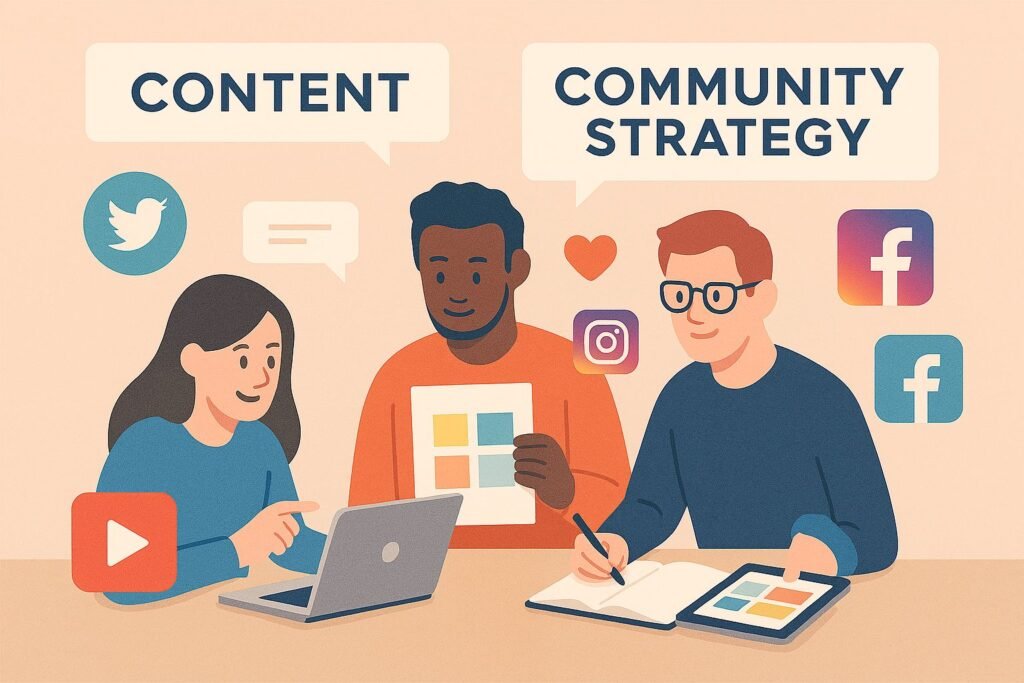
- Create content SOPs (Standard Operating Procedures) for ideation, creation, review, and posting.
- Use role-based workflows: content creators, community managers, data analysts.
- Invest in collaborative tools: shared calendars, approval tools, dashboards.
- Train your team on tools + brand voice + data literacy so they can make decisions independently.
Measuring Success & ROI
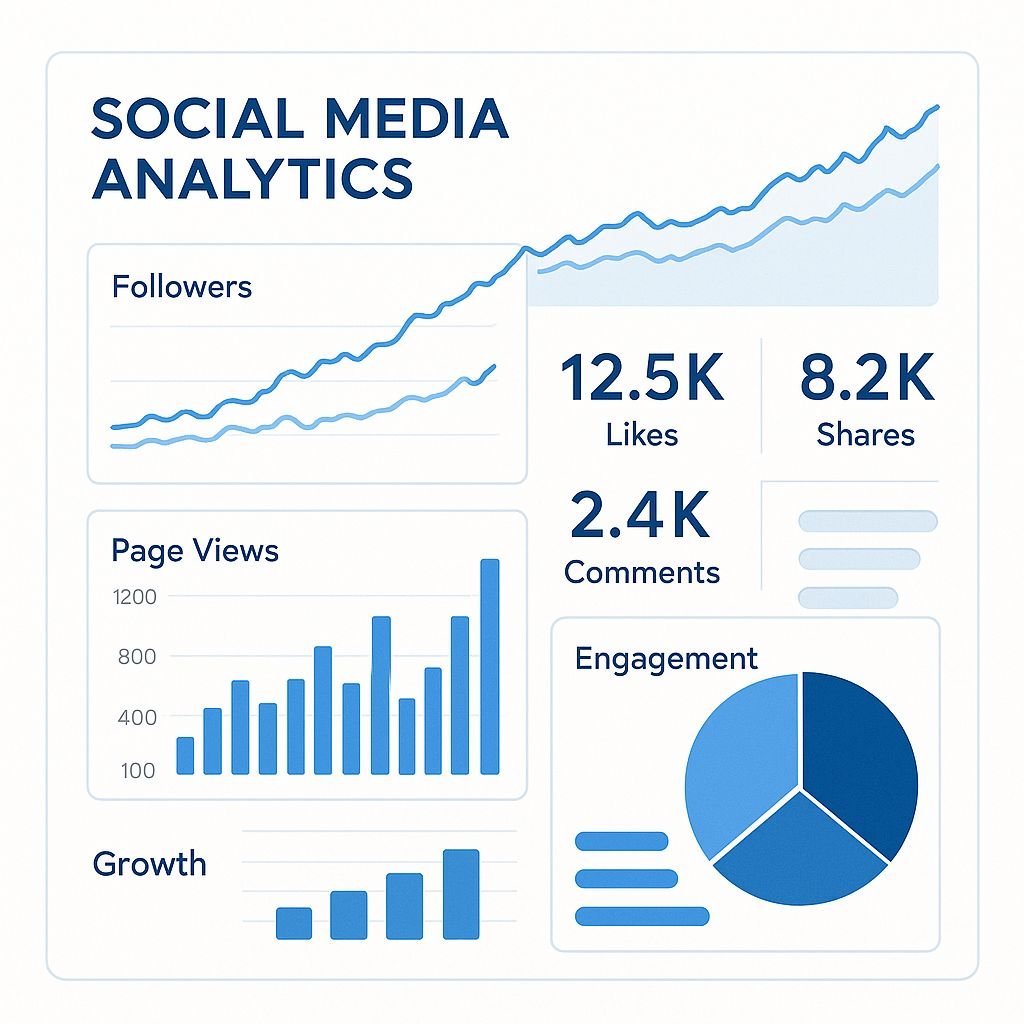
- Set Up a Dashboard: Combine your analytics from Meta, TikTok, LinkedIn, etc., into a unified dashboard (Looker Studio, Data Studio, or a BI tool).
- Define Conversion Events: Track lead clicks, form submissions, DMs, or website purchases coming from social.
- Use UTM Parameters: Tag links to clearly attribute conversions to social campaigns.
- Calculate ROAS / ROI: Compare the cost of paid social + content production to revenue generated or value attributed.
- Report Quarterly: Create a report for stakeholders; include wins, learnings, and next quarter’s priorities.
Future Trends to Watch (and Prepare For)

- AI for content personalization & generation: Use AI to generate drafts, but refine with human insight.
- Social commerce integration: Shopping directly on platforms — optimize content for in-app purchases.
- Voice & AR experiences: Conversational posts and AR filters may become more integrated with brand storytelling.
- Hyperlocal & niche platforms: Look to platforms like Discord, Telegram, and local social networks for deep engagement.
If scaling your social media presence feels overwhelming — or your efforts aren’t delivering the ROI you hoped for — Damer Consult can help. We offer:
- Social media audits and management.
- Content strategy & calendars
- Automation & tool setup
- KPI tracking & dashboarding
- Community-building and campaign execution
Get a free consultation today and let’s build a social media system that grows with you (not against you).
Google’s New Core Update Impacts SEO for Web Development Firms: What You Need to Know
Google rolled out its latest core update in October 2025, and just like previous updates, it’s already making waves across search engine rankings. This time, web development and digital services firms have reported noticeable fluctuations in website visibility, with some pages climbing up the rankings and others vanishing from top spots.
So what’s different about this update? And how should web development firms respond?
Read Also: What is SEO and How Does It Work?
What Is a Google Core Update?
A core update is Google’s broad change to how its search algorithm evaluates and ranks web pages. These updates happen several times a year and typically aim to improve the relevance and quality of search results.
Unlike spam or product reviews updates, core updates are not targeted at a specific niche — but their effects can hit certain industries harder, depending on content quality, technical SEO, and user experience.
Key Impacts on Web Development Firms
1. Greater Emphasis on EEAT (Experience, Expertise, Authority, Trust)
Google now places more weight on real-world expertise and credibility. Generic service pages or thin blog content from web dev firms may no longer rank well if they lack authoritative depth.
2. Content Depth Now Matters More
Pages that go beyond listing services and offer real educational value — such as tutorials, case studies, or client results — are performing better. Thin content is being deprioritized.
3. Speed and Mobile Responsiveness Are Critical
Sites with poor Core Web Vitals (especially those with heavy graphics or unoptimized code) are seeing visibility drops. Web firms that don’t practice what they preach are losing ground.
4. Local SEO Signals Are Stronger
There’s been a boost in localized search results. Firms with fully optimized Google Business Profiles, local backlinks, and relevant location-based content are seeing gains.
What Should Web Dev Firms Do Now?
– Audit Your Content: Update service pages with stronger copy, examples, and answers to client pain points.
– Publish Value-Rich Articles: Focus on original thought leadership, step-by-step guides, and SEO-friendly blog posts.
– Improve Page Speed and Technical SEO: Clean up code, compress assets, and test with Google’s PageSpeed Insights.
– Update Schema Markup: Use schema to help Google understand your content, especially service types and reviews.
– Track Rankings Weekly: Monitor changes with tools like Google Search Console, Ahrefs, or SEMrush.
Read Also: Web Design Best Practices 2025
Final Thoughts
Google’s latest core update is a reminder that SEO is not a one-time fix, especially for web development firms that are expected to be industry leaders in online performance.
If your site has taken a hit, don’t panic. Refocus on creating high-quality, helpful content, and double down on technical SEO best practices.
Stay agile, stay informed, and keep building the algorithm that rewards those who put users first.
Need help auditing your website post-update?
DamerConsult offers tailored SEO and web performance audits for businesses navigating search visibility changes. Contact us today
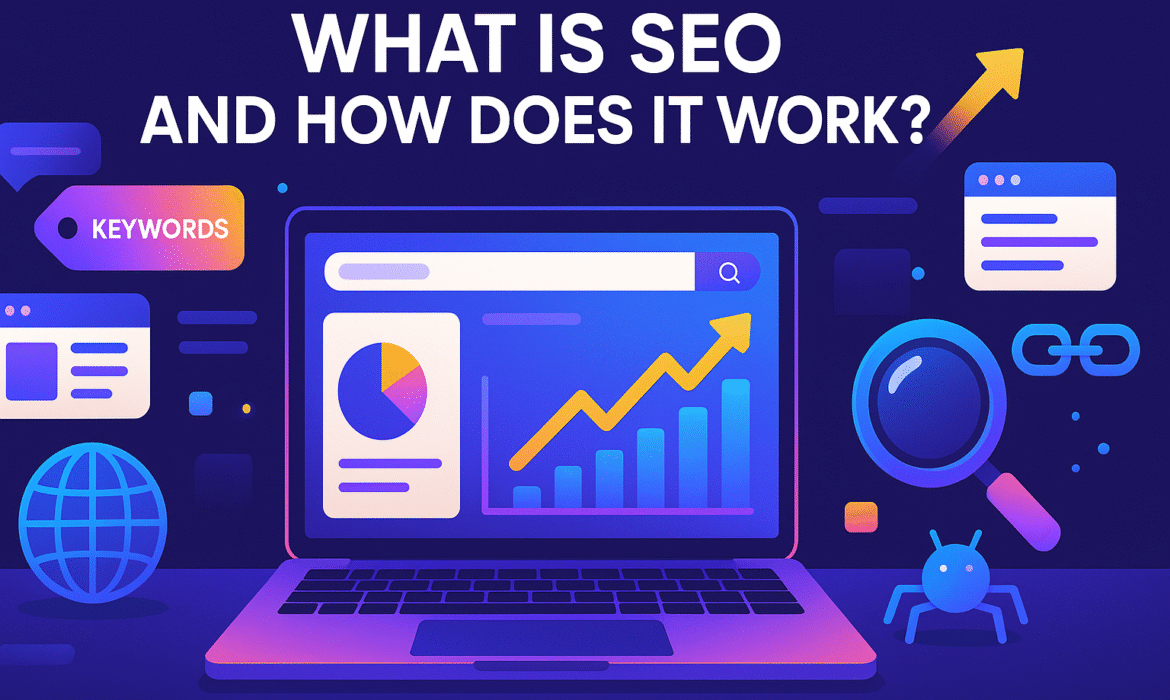
What is SEO and How Does It Work?
In today’s digital landscape, having a website isn’t enough. You need people to find it. That’s where Search Engine Optimization (SEO) comes in—the practice of improving your website’s visibility in search engine results to attract more organic traffic.
Understanding SEO: The Basics
SEO is the process of optimizing your website to rank higher in search engine results pages (SERPs) when people search for products, services, or information related to your business. When done correctly, SEO helps search engines like Google understand your content and connect it with users actively searching for what you offer.
Think of search engines as librarians for the internet. When someone asks a question, the search engine sifts through billions of web pages to deliver the most relevant, high-quality results. SEO ensures your website is one of those top results.
How Search Engines Work
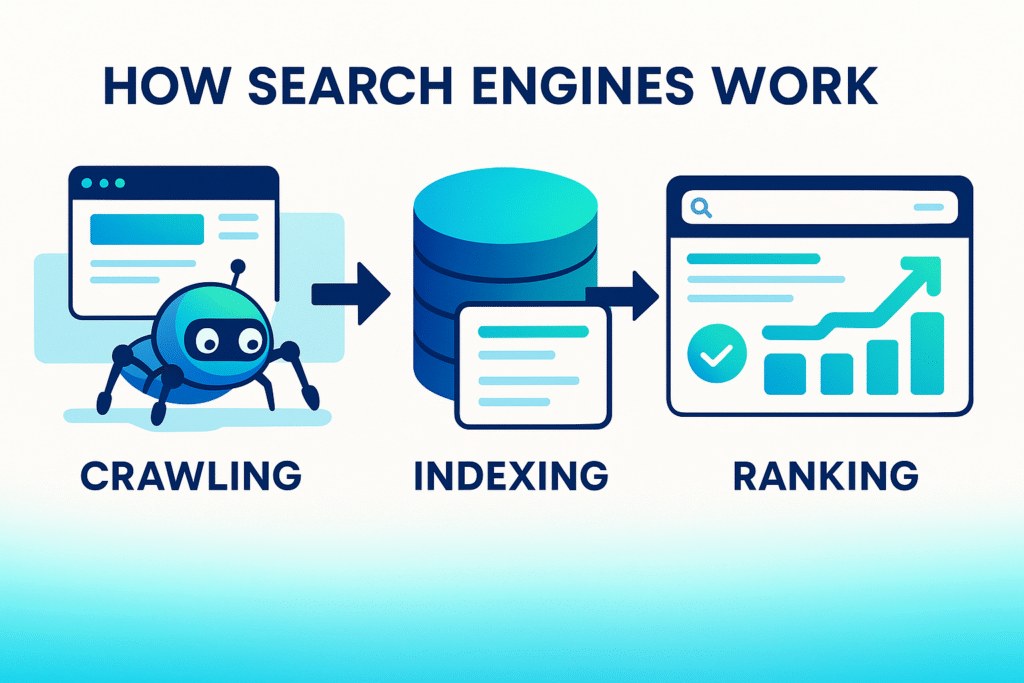
Before discussing SEO strategies, it’s important to understand how search engines operate. The process involves three key stages:
Crawling: Search engines use automated bots (called crawlers or spiders) to discover new and updated content across the web. These bots follow links from page to page, collecting information about each site they visit.
Indexing: Once a page is crawled, the search engine analyzes its content—text, images, videos, and metadata—and stores it in a massive database called an index. This index is what the search engine searches through when responding to queries.
Ranking: When someone performs a search, the search engine uses complex algorithms to determine which indexed pages are most relevant and valuable for that query. These algorithms consider hundreds of factors to rank pages in order of relevance and quality.
The Core Components of SEO
SEO consists of several interconnected elements that work together to improve your search visibility:
On-Page SEO
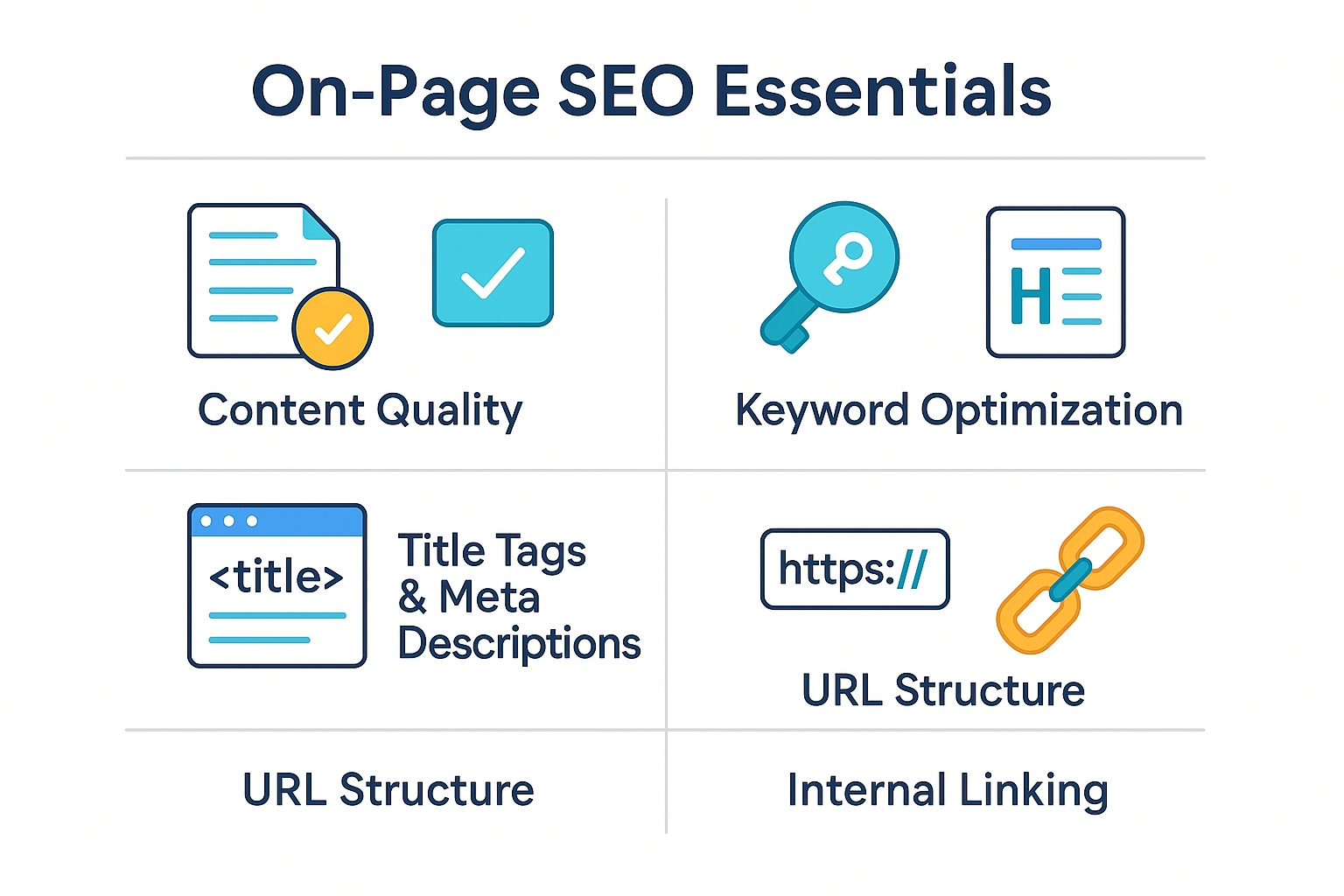
On-page SEO focuses on optimizing individual web pages to rank higher and earn more relevant traffic. Key elements include:
Content Quality: Creating valuable, informative content that genuinely answers user questions and solves problems is fundamental. Search engines prioritize content that demonstrates expertise, authoritativeness, and trustworthiness.
Keyword Optimization: Strategically incorporating relevant keywords—the terms people actually search for—into your content, titles, headings, and meta descriptions helps search engines understand your page’s topic.
Title Tags and Meta Descriptions: These HTML elements provide concise summaries of your page content. While meta descriptions don’t directly impact rankings, compelling ones improve click-through rates from search results.
Header Tags: Using H1, H2, and H3 tags properly structures your content, making it easier for both users and search engines to understand your page hierarchy.
URL Structure: Clean, descriptive URLs that include relevant keywords help both users and search engines understand what a page is about before even visiting it.
Internal Linking: Linking to other relevant pages on your website helps distribute page authority and helps search engines discover and understand your site structure.
Technical SEO
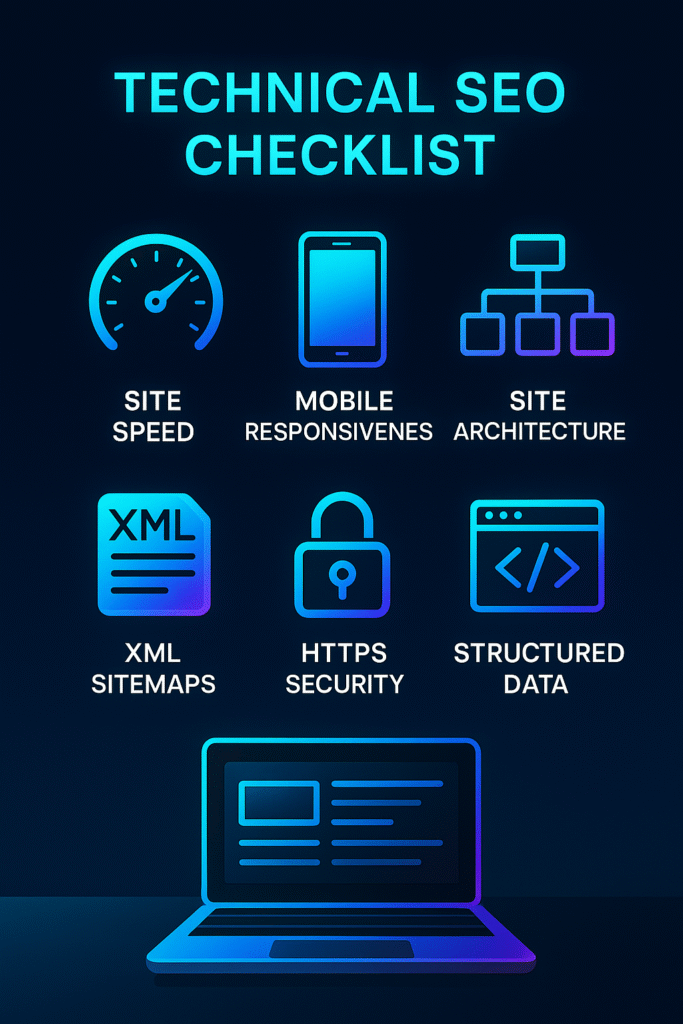
Technical SEO ensures search engines can efficiently crawl, index, and understand your website:
Site Speed: Faster-loading pages provide better user experiences and are favored by search engines. Optimizing images, leveraging browser caching, and minimizing code can significantly improve load times.
Mobile Responsiveness: With mobile searches dominating, having a mobile-friendly website is essential. Google uses mobile-first indexing, meaning it primarily uses the mobile version of your site for ranking.
Site Architecture: A logical, well-organized site structure with clear navigation helps both users and search engines find content easily.
XML Sitemaps: These files list all important pages on your site, helping search engines discover and index your content more efficiently.
Security (HTTPS): Secure websites using HTTPS encryption are trusted more by both users and search engines.
Structured Data: Adding schema markup helps search engines understand your content better and can enable rich snippets in search results.
Off-Page SEO
Off-page SEO involves activities outside your website that impact your rankings:
Backlinks: Links from other reputable websites to yours act as “votes of confidence” in your content’s quality. High-quality backlinks from authoritative sites are one of the strongest ranking signals.
Brand Mentions: Even unlinked mentions of your brand across the web can contribute to your site’s authority and visibility.
Social Signals: While not direct ranking factors, social media engagement can indirectly boost SEO by increasing content visibility and attracting backlinks.
Online Reviews: Positive reviews on platforms like Google Business Profile enhance local SEO and build trust with potential customers
Read Also: Web Design Best Practices 2025.
How SEO Works in Practice
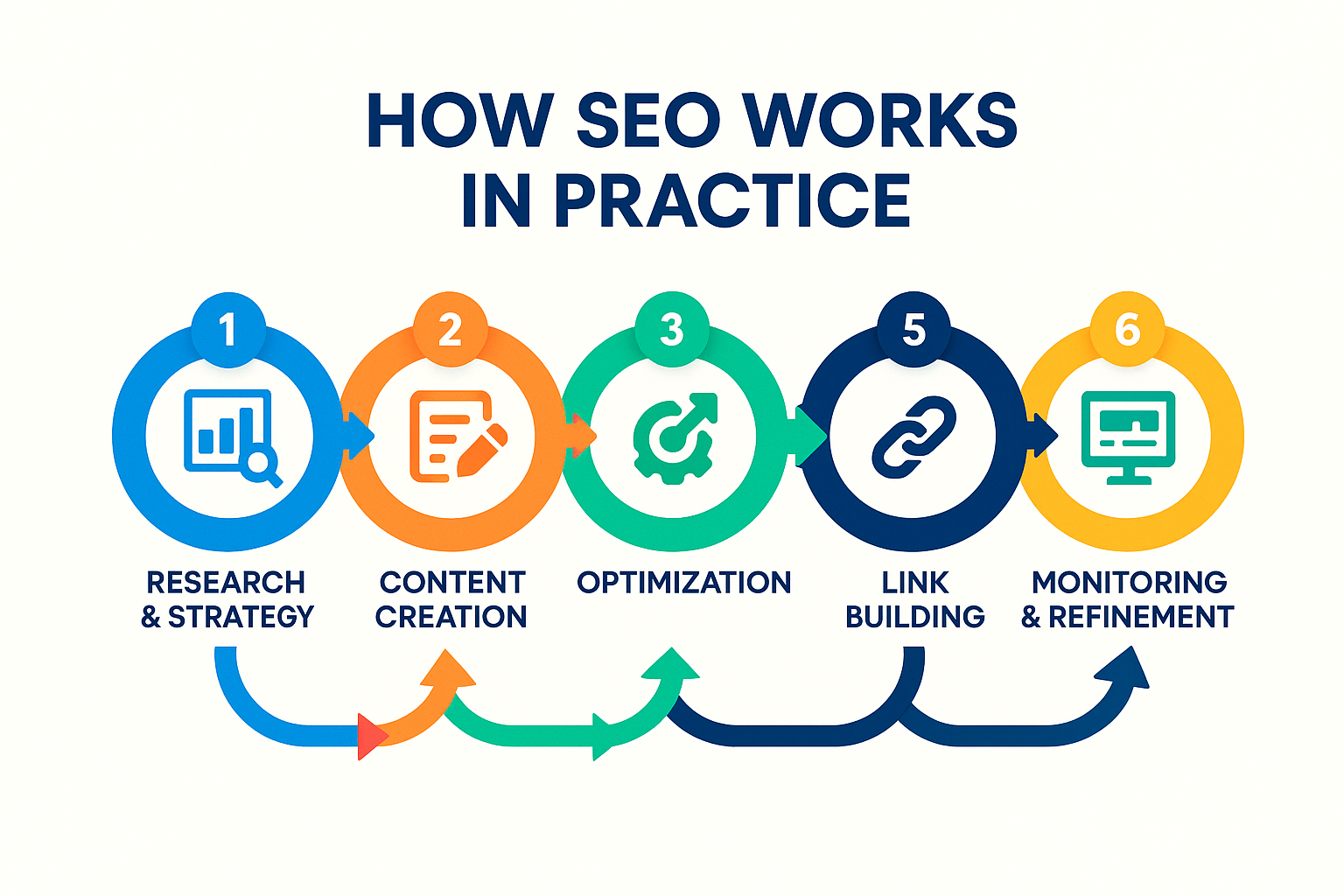
Implementing effective SEO is an ongoing process that typically follows this workflow:
Research and Strategy: Begin by understanding your target audience, researching relevant keywords, and analyzing competitors. This foundation informs your entire SEO strategy.
Content Creation: Develop high-quality content that addresses user intent and naturally incorporates target keywords. Focus on providing genuine value rather than keyword stuffing.
Optimization: Apply on-page SEO best practices to your content, ensuring proper use of title tags, headers, meta descriptions, and internal links.
Technical Improvements: Audit and enhance your website’s technical aspects, addressing issues with speed, mobile-friendliness, and crawlability.
Link Building: Develop a strategy to earn quality backlinks through content marketing, guest posting, partnerships, and creating link-worthy resources.
Monitoring and Refinement: Use analytics tools to track performance, identify what’s working, and continuously refine your approach based on data.
The Timeline: When Will SEO Show Results?
SEO is not an overnight solution. Most businesses begin seeing meaningful results within three to six months, though competitive industries may take longer. The timeline depends on factors like your site’s current authority, competition level, content quality, and the consistency of your efforts.
The key is patience and persistence. Unlike paid advertising that stops delivering results when you stop paying, SEO builds long-term value that compounds over time.
Why SEO Matters for Your Business
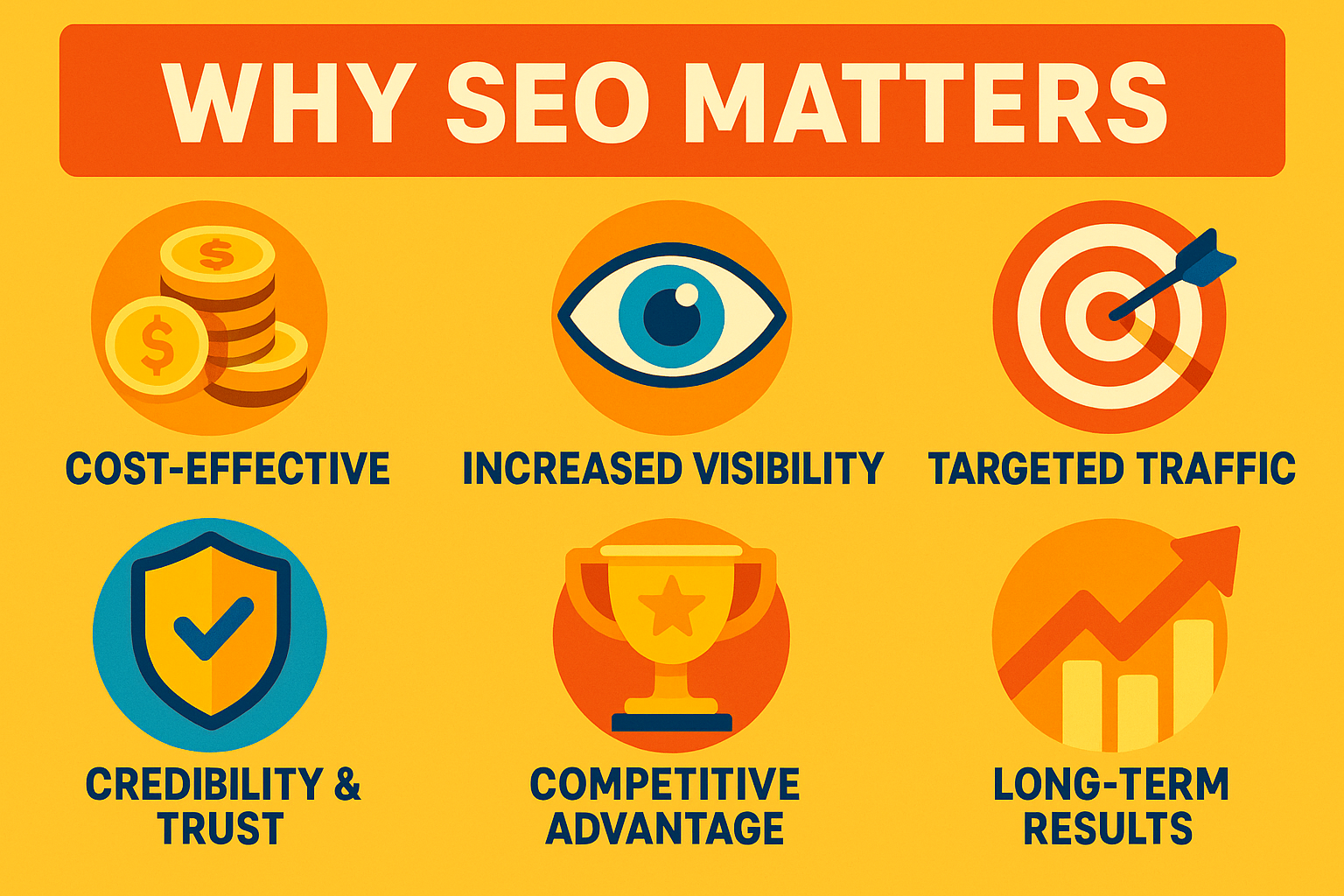
Investing in SEO delivers numerous benefits:
Cost-Effective Marketing: While SEO requires time and resources, organic traffic doesn’t have a per-click cost like paid advertising, making it more sustainable long-term.
Increased Visibility: Higher rankings mean more people see your business when searching for relevant products or services.
Targeted Traffic: SEO attracts users actively searching for what you offer, resulting in higher-quality leads and better conversion rates.
Credibility and Trust: Ranking high in organic search results signals authority and trustworthiness to potential customers.
Competitive Advantage: Strong SEO helps smaller businesses compete with larger competitors by leveling the digital playing field.
Long-Term Results: Unlike paid ads that disappear when your budget runs out, SEO builds sustainable visibility that continues delivering value over time.
Getting Started with SEO
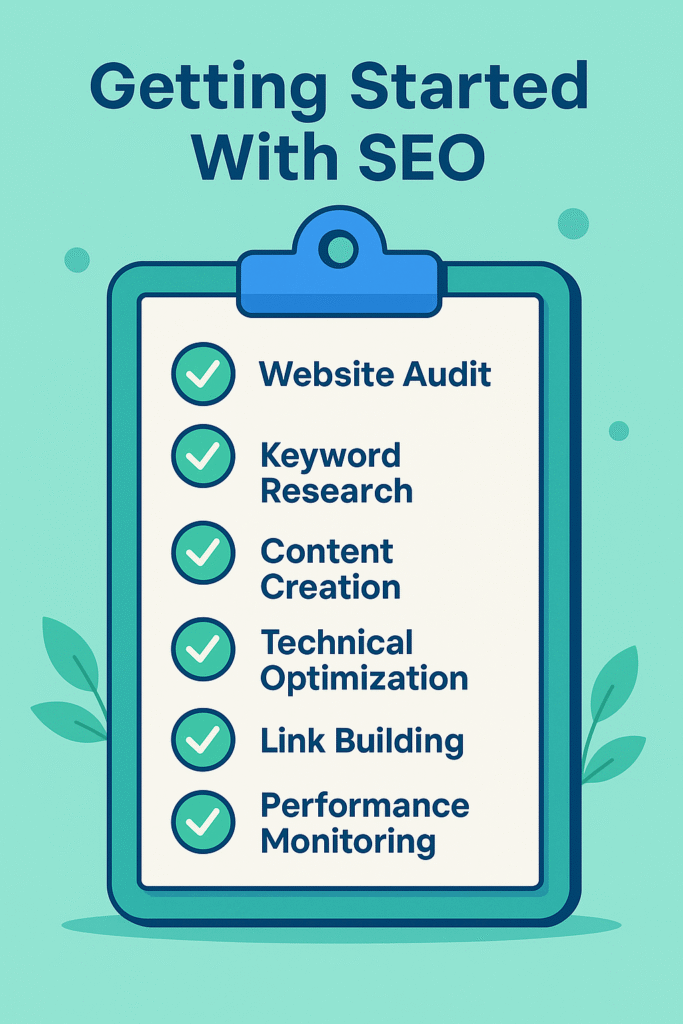
If you’re ready to improve your website’s search visibility, start with these foundational steps:
- Conduct a website audit to identify current strengths and weaknesses
- Research keywords your target audience actually uses
- Create valuable content that addresses user needs
- Optimize your website’s technical foundation for speed and mobile-friendliness
- Build relationships that lead to quality backlinks
- Monitor your progress using tools like Google Analytics and Google Search Console
SEO is a marathon, not a sprint. The businesses that succeed are those that commit to consistent, quality-focused efforts over time.
Partner with SEO Experts
Navigating the complexities of SEO can be challenging, especially as search algorithms constantly evolve. At Damer Consult, we help businesses develop and execute comprehensive SEO strategies that drive measurable results. Whether you’re just starting out or looking to enhance your existing efforts, professional guidance can accelerate your success and help you avoid costly mistakes.
Ready to boost your online visibility and attract more qualified leads? Let’s talk about how SEO can transform your digital presence.
Looking for expert SEO guidance? Contact Damer Consult today to discuss your digital marketing needs and discover how we can help your business thrive online.
Web Design Best Practices 2025
The digital landscape is evolving at a very fast pace, with web design trends shifting dramatically as we move into 2025. What worked just a year ago may already be outdated, potentially costing you valuable conversions and customer engagement. As Nigeria’s businesses continue to expand their online presence, staying ahead of these changes isn’t just beneficial; it’s essential for maintaining a competitive advantage.
At DamerConsult, we’ve been tracking these developments closely, implementing cutting-edge design strategies for businesses across industries. Our team of expert developers has identified key web design best practices for 2025 that balance aesthetic appeal with functionality, user experience, and conversion optimization.
Why Web Design Best Practices Matter in 2025
Modern web design requires optimization across all devices and platforms
The stakes for effective web design have never been higher. Research shows that 38% of visitors will leave a website if they find the design visually unappealing, while 42% will abandon sites with poor functionality. In today’s competitive digital environment, these numbers can translate directly to lost revenue and missed opportunities.
More importantly, web design best practices aren’t just about aesthetics: they’re about creating experiences that convert visitors into customers. With search engines increasingly prioritizing user experience in their ranking algorithms, following current best practices also directly impacts your visibility online.
Read Also: What is SEO and How Does It Work?
8 Essential Web Design Best Practices for 2025
Based on our extensive research and implementation experience, we’ve identified these eight critical web design practices that will define successful websites in 2025. Each represents a significant shift from previous approaches and offers substantial benefits when properly implemented.
1. Sustainable Web Design
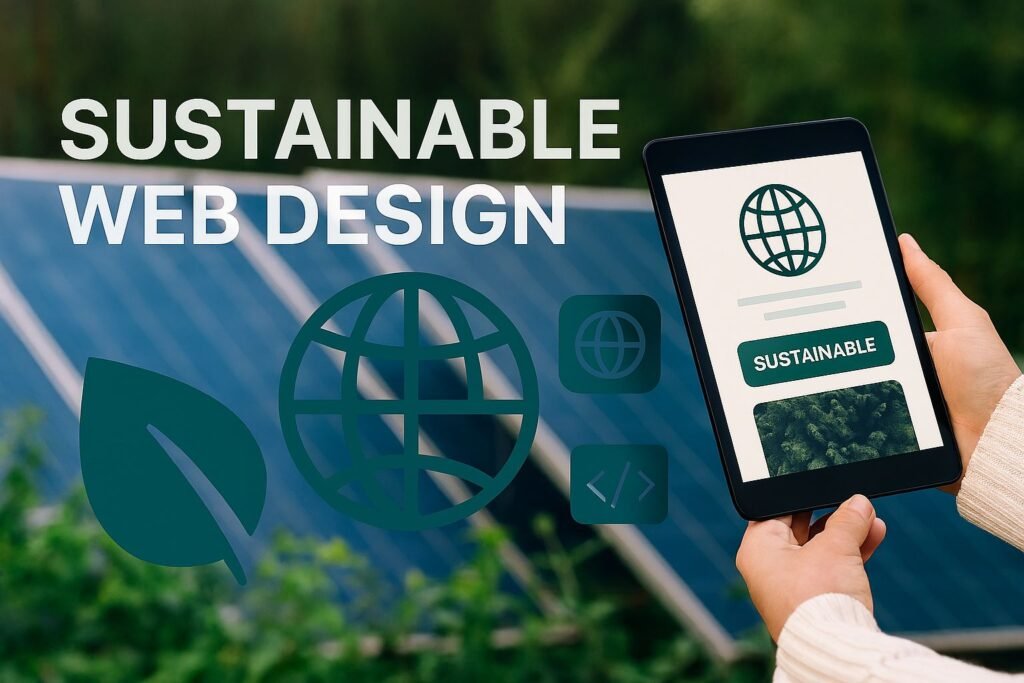
Sustainability has evolved beyond a buzzword to become a fundamental design principle. In 2025, sustainable web design focuses on reducing digital carbon footprints through optimized code, efficient media usage, and eco-friendly hosting solutions.
At DamerConsult, we’ve implemented sustainable design practices that not only benefit the environment but also improve site performance. Our sustainable websites typically load 40% faster and use 30% less bandwidth than traditionally designed sites.
“Sustainable web design represents the perfect alignment of environmental responsibility, user experience, and business performance. Sites that load faster and consume fewer resources naturally perform better in search rankings and conversion rates.”
— Damilare David, Lead Developer at DamerConsult
2. AI-Enhanced Personalization

Generic, one-size-fits-all websites are becoming obsolete. In 2025, AI-driven personalization allows websites to dynamically adapt content, offers, and even layouts based on user behavior, preferences, and demographics.
Our implementation of AI personalization for clients has shown remarkable results, with an average 27% increase in engagement and 18% higher conversion rates. These systems analyze user interactions in real-time to deliver the most relevant experience possible.
Dynamic content adaptation based on user behavior
Personalized product recommendations
Customized navigation paths for different user segments
Adaptive messaging that resonates with individual visitors
3. Voice-Optimized Interfaces
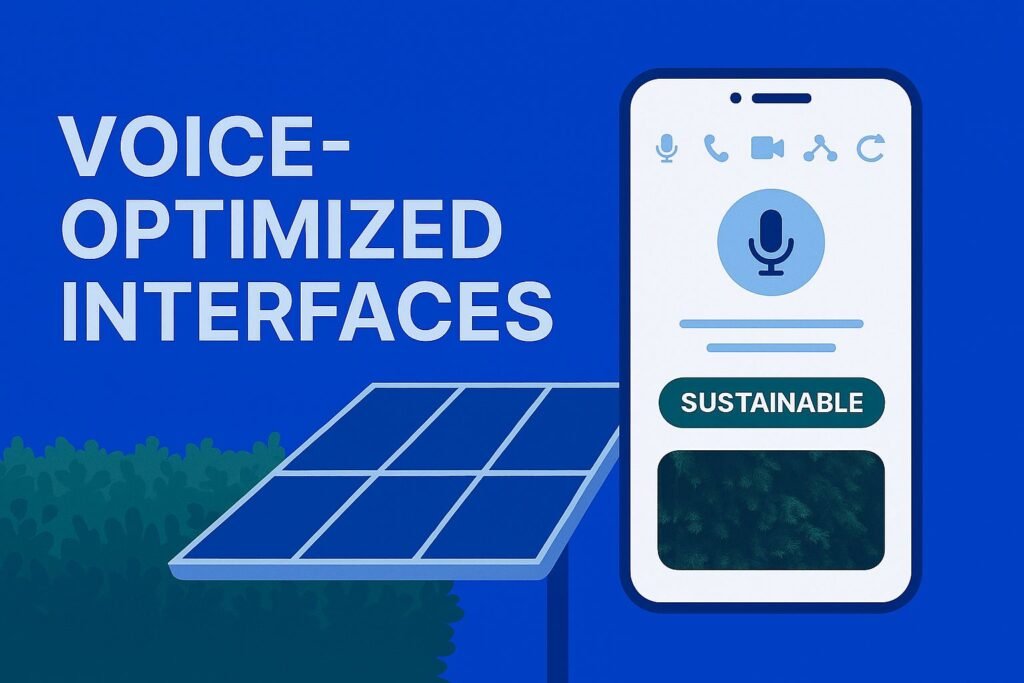
With voice search usage continuing to grow exponentially, 2025 websites must be optimized for voice interaction. This goes beyond simple voice search compatibility to include conversational interfaces and voice-navigable content structures.
DamerConsult has pioneered voice interface integration for Nigerian businesses, creating systems that understand local dialects and speech patterns. Our voice-optimized sites have seen a 35% increase in mobile engagement, particularly among users who prefer hands-free browsing.
4. Micro-Interaction Design
Micro-interactions—those small, subtle animations and feedback mechanisms—have evolved from simple visual enhancements to crucial elements of user experience. In 2025, strategic micro-interactions guide users, provide feedback, and create emotional connections.
Our design team specializes in creating purposeful micro-interactions that enhance usability without sacrificing performance. These small details make a significant difference in how users perceive and interact with your brand online.
Before Micro-Interactions
- Static interfaces with limited feedback
- Unclear user action results
- Higher cognitive load for users
With Micro-Interactions
- Dynamic, responsive interfaces
- Clear visual confirmation of actions
- Intuitive guidance through processes
Want to See These Practices in Action?
Schedule a demonstration with our design team to see how these cutting-edge practices can transform your website experience.
5. Accessibility-First Design
In 2025, accessibility isn’t an afterthought—it’s a fundamental design principle. Beyond compliance with WCAG guidelines, accessibility-first design creates inclusive experiences that work for everyone, regardless of ability or device.
DamerConsult implements comprehensive accessibility solutions that go beyond basic compliance. Our accessible websites not only serve all users equally but also benefit from improved SEO, as search engines increasingly reward inclusive design practices.
Did you know? Websites with strong accessibility features typically rank 15-20% higher in search results due to better structure, clearer content, and improved user signals.
6. Immersive Scrolling Experiences
The traditional page-by-page website structure is giving way to immersive, story-driven scrolling experiences. These designs use motion, parallax effects, and progressive disclosure to create engaging narratives that keep users invested.
Our development team has mastered the art of creating performance-optimized immersive experiences that work across all devices. These designs have proven particularly effective for brand storytelling and product showcases, with users spending an average of 40% more time engaging with content.
7. Brutalist Design Evolution
Brutalist design has evolved from its raw, unpolished origins into a more sophisticated approach that balances boldness with usability. In 2025, neo-brutalist designs use intentional simplicity, strong typography, and monochromatic schemes to create distinctive experiences.
DamerConsult has successfully implemented neo-brutalist designs for clients seeking to differentiate themselves in crowded markets. These designs are particularly effective for creative industries, tech startups, and brands targeting design-conscious audiences.
8. Ethical Data Collection

As privacy regulations continue to evolve globally, ethical data collection has become a critical design consideration. In 2025, leading websites will implement transparent, user-centric approaches to data collection that build trust while still gathering necessary insights.
Our approach to ethical data design focuses on creating value exchanges where users understand exactly what data is being collected and why. This transparency has resulted in higher opt-in rates and stronger customer relationships for our clients.
“The most successful websites in 2025 will be those that treat user data as a borrowed asset rather than a harvested resource. This shift in perspective fundamentally changes how we design data collection systems.”
— Oluwapelumi, Data Privacy Specialist at DamerConsult
Strategic Implementation: The DamerConsult Approach
Knowing the best practices is only half the battle—implementing them effectively requires strategic planning, technical expertise, and a deep understanding of your business goals. At DamerConsult, we’ve developed a proven methodology for implementing these advanced practices in a way that maximizes ROI.
Our Implementation Process
Comprehensive Audit – We begin by thoroughly analyzing your current website, identifying strengths, weaknesses, and opportunities for improvement.
Strategic Planning – Our team develops a customized implementation plan based on your specific business goals, target audience, and competitive landscape.
Prioritized Implementation – Rather than attempting to implement everything at once, we prioritize changes based on potential impact and resource requirements.
Iterative Testing – We use A/B testing and user feedback to refine implementations, ensuring optimal performance before full deployment.
Performance Monitoring – After implementation, we continuously monitor performance metrics to identify further optimization opportunities.
Case Study: E-Commerce Transformation
When a leading Nigerian e-commerce retailer approached us to update their outdated website, we implemented several of these 2025 best practices with remarkable results:
4.8
Overall Improvement
Conversion Rate
+46%
Page Load Speed
+68%
User Engagement
+39%
Mobile Transactions
+52%
Ready to Transform Your Website?
Our team of experts is ready to help you implement these cutting-edge practices and achieve similar results for your business.
Schedule Your Free Consultation
Overcoming Implementation Challenges
While these best practices offer significant benefits, implementing them can present challenges. Here’s how DamerConsult helps clients navigate common obstacles:
Common Challenges
- Technical complexity of advanced features
- Balancing innovation with usability
- Resource constraints for smaller businesses
- Maintaining performance with rich features
- Ensuring cross-device compatibility
DamerConsult Solutions
- Modular implementation approach
- User testing throughout development
- Scalable solutions for various budgets
- Performance-first development methodology
- Comprehensive device testing protocol
Our experience implementing these advanced practices across diverse industries gives us unique insight into potential challenges and proven strategies to overcome them. We tailor our approach to your specific situation, ensuring smooth implementation regardless of your starting point.
Looking Beyond 2025: Emerging Trends to Watch
While implementing current best practices is essential, forward-thinking businesses should also keep an eye on emerging trends that will shape web design beyond 2025. At DamerConsult, we’re already exploring these next-generation concepts:
Ambient Computing Interfaces
Websites that adapt to environmental contexts and seamlessly integrate with IoT ecosystems.
Neuromorphic Design
Interfaces that mimic human cognitive processes for more intuitive interactions.
Augmented Reality Integration
Seamless blending of digital content with physical environments through web browsers.
By partnering with DamerConsult, you gain access to a team that’s not only implementing today’s best practices but also preparing for tomorrow’s innovations. Our forward-thinking approach ensures your digital presence remains cutting-edge for years to come.
“The most successful businesses don’t just keep pace with digital trends—they anticipate them. Our mission is to help our clients stay ahead of the curve, implementing solutions that will remain relevant and effective well into the future.”
— David Damer, Founder & CEO of DamerConsult
Conclusion: Future-Proof Your Digital Presence with DamerConsult
As we’ve explored, web design best practices for 2025 represent a significant evolution from previous approaches. Implementing these practices isn’t just about staying current—it’s about creating a competitive advantage through superior user experience, performance, and conversion optimization.
At DamerConsult, we combine deep technical expertise with strategic business thinking to implement these practices in ways that drive measurable results. Our team of specialists works closely with each client to develop customized solutions that align with their specific goals and challenges.
Whether you’re looking to refresh an existing website or build a new digital presence from the ground up, we have the expertise and experience to help you succeed in the rapidly evolving digital landscape.
Take the First Step Toward a Future-Proof Website
Contact DamerConsult today to schedule your free consultation and discover how we can help implement these cutting-edge practices for your business.
Request Your Free Web Design Assessment
Fill out the form below, and our team will conduct a comprehensive assessment of your current website against 2025 best practices.
Your message has been sent